


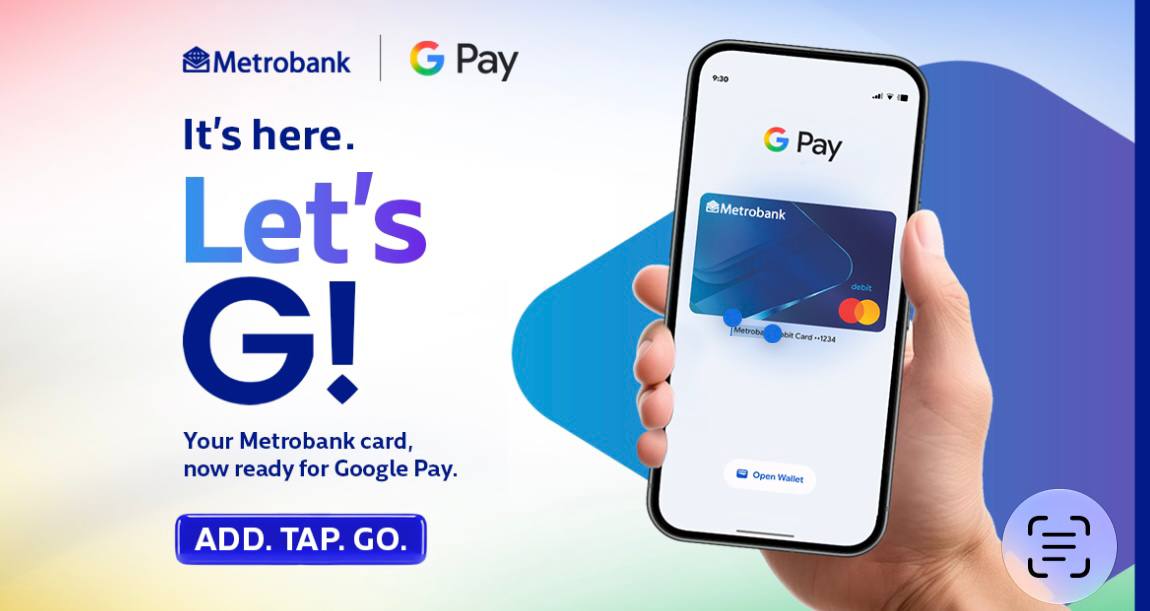
Metrobank credit, debit, and prepaid cardholders can now pay with their Android phones and smartwatches using Google Pay, turning their devices into quick, contactless payment tools for daily purchases.
This new option adds to Metrobank’s digital payment services, giving customers another secure and smooth way to handle payments and manage their finances.
“Our goal is to make daily banking simpler, safer, and more convenient for our cardholders,” said Ramon Vivencio del Rosario, Metrobank Head of Consumer Business Sector. “With Metrobank cards now on Google Pay, you get the same rewards, benefits, and security you trust — plus a faster, easier way to pay right from your Android device.”
Setting up is straightforward:
Download Google Wallet
Open the app, tap the “+” sign, select “Payment Card,” then choose “New credit or debit card”
Scan your Metrobank card or type in your details manually
Read and accept the Google Pay and Metrobank terms
Enter the one-time password sent to your mobile number to verify your card
Once ready, you can use Google Pay to pay in shops, online, and in apps — fast and secure. You can also keep track of all your card transactions easily through the Metrobank app.